Can your loose LEGO pieces build a selected set?
If you are deciding whether to start a particular set, compare that set's parts list with loose pieces marked available in your collection. BrickzBack answers a focused question about the set you selected.
Find the set, review its catalogue inventory and choose the collection comparison. BrickzBack checks required quantities against available loose stock and shows what remains for your review.
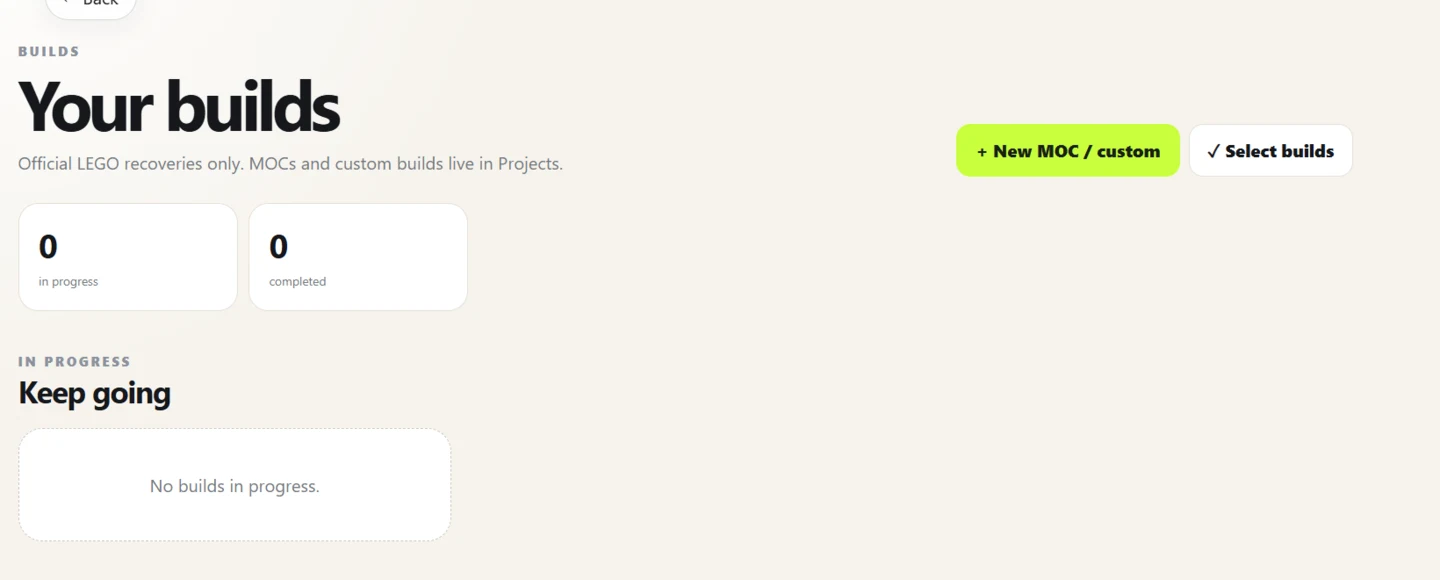
Choose a set before checking your stock
Search by set number or name and open the set's exact inventory. Check that the catalogue entry is the version you want to build, then select the option to compare its requirements with your collection.
The check uses loose pieces marked available. It does not infer the contents of unopened sets in your collection or search across every set in the catalogue.
- Select one official set and inspect its parts inventory.
- Start a collection check against loose stock marked available.
- Review matches and shortages before deciding what to commit or source.
Read the result as a parts check
The result helps you see which part-and-colour quantities are covered and which are still short. Similar-looking parts or uncertain catalogue entries deserve a physical check before you rely on them.
A match is not a reservation until you confirm the relevant action. Keep committed quantities in mind if the same loose stock is needed for another project.
Use this for a decision, not automatic discovery
This workflow answers “what about this set?” It does not rank every catalogue set against your collection, guarantee a complete build, or confirm pieces that have not been recorded.
If the set is already partly built, use the recovery checklist to record found quantities over time. If you have a custom parts list, use the project workflow instead.
Frequently asked questions
Does BrickzBack find every set I can build?
No. Choose a particular set, then compare its inventory with loose pieces marked available. The app does not automatically search all possible sets.
Does a match automatically reserve the parts?
No. You review and confirm the action. Pieces already committed elsewhere are not free stock.
What if I want to track a set I already started?
Use the incomplete-set recovery workflow to record pieces found and see the quantities still needed.
Put the workflow into practice
Use the current BrickzBack workspace to review your own records. Confirm identities and changes before relying on a parts list or value.
Create a BrickzBack account